Parcel Labeling
How to correctly apply a shipment label to avoid errors with Couriers for Less
Label Preparation
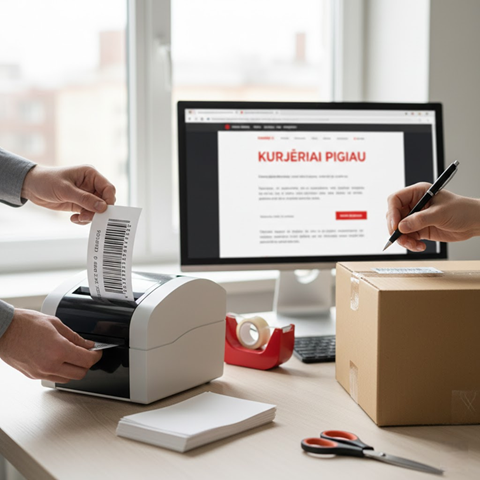
- ■ Print the label on white, high-quality paper.
- ■ Ensure that the barcode and text are clear, smudge-free, and without any spots.
- ■ Never write the address by hand on the shipment – always use a printed label.
- ■ Check that all shipment details (sender and recipient addresses, postal codes) match the information specified in the system.
- ■ Use only original labels generated by courier systems without any arbitrary modifications.
Correct Label Application
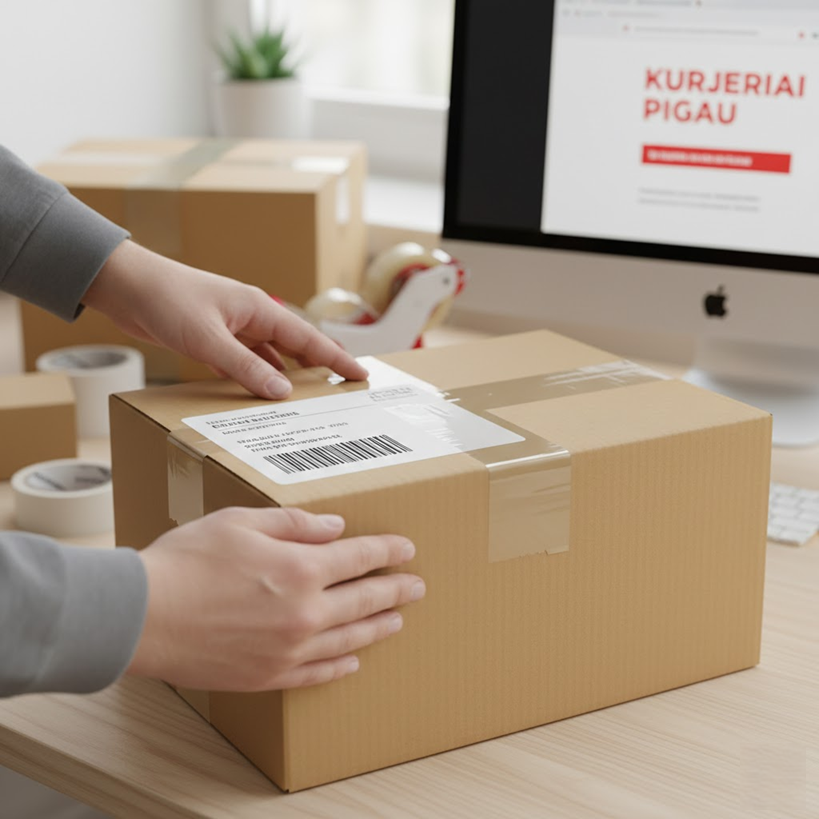
- ■ Apply the label to the largest and flat surface of the box.
- ■ Ensure that the barcode and address are not folded over the edge of the box.
- ■ Fully adhere the label so it does not peel off during transport and is not damaged.
- ■ Make sure there are no air bubbles or wrinkles under the label that could distort the barcode.
- ■ Apply the label in a clearly visible place where shipment information is scanned.
What to Avoid?
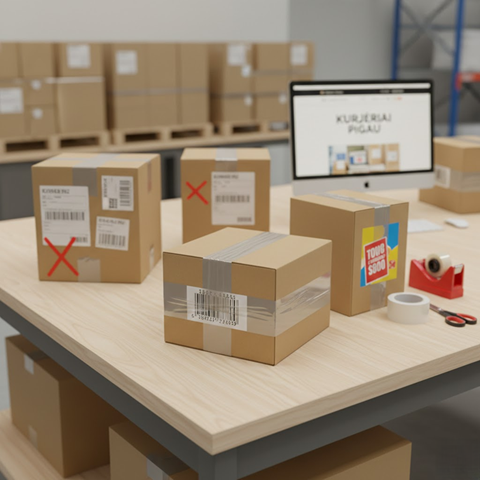
- ■ Never apply the label over seams, flaps, or uneven surfaces.
- ■ Do not cover the barcode with adhesive tape or other stickers.
- ■ There must be no old addresses, barcodes, or information on the shipment that could mislead the courier.
- ■ Avoid applying labels on damp, dirty, or dusty surfaces, as they will lose adhesion.
- ■ Do not leave unattached label edges that can catch on the sorting line.
Tip: If the shipment is non-standard (e.g., round tube, tire), try to find as flat a surface as possible to attach the label and additionally secure it with clear adhesive tape.